
Import Individuals
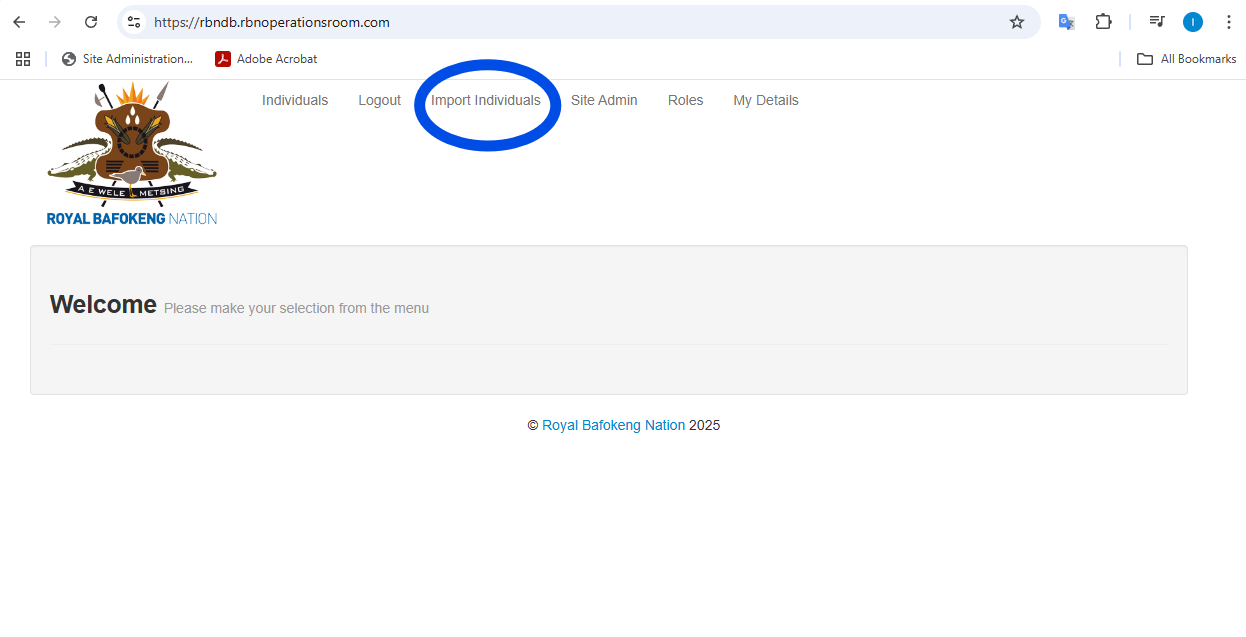
Once you are logged in navigate to Import Individuals in the top menu:
Download the Example CSV to ensure your Import file is the correct format.
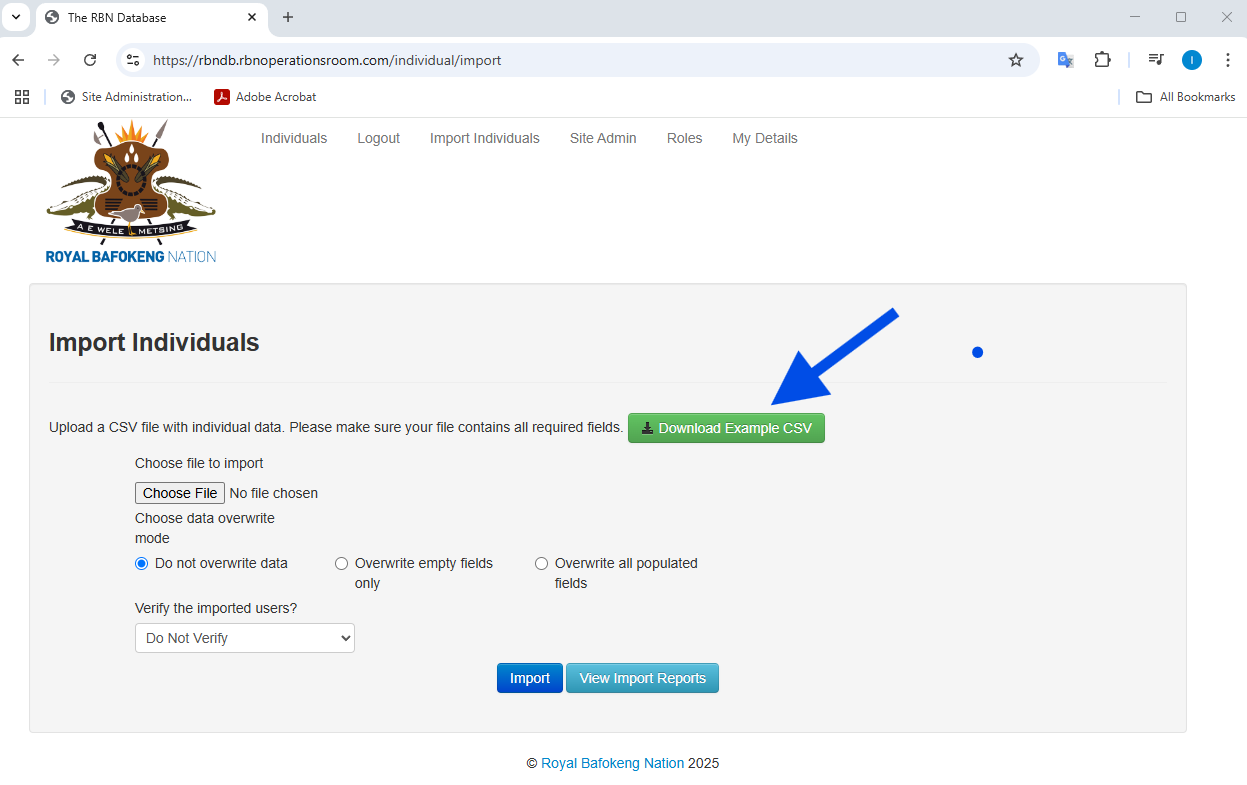
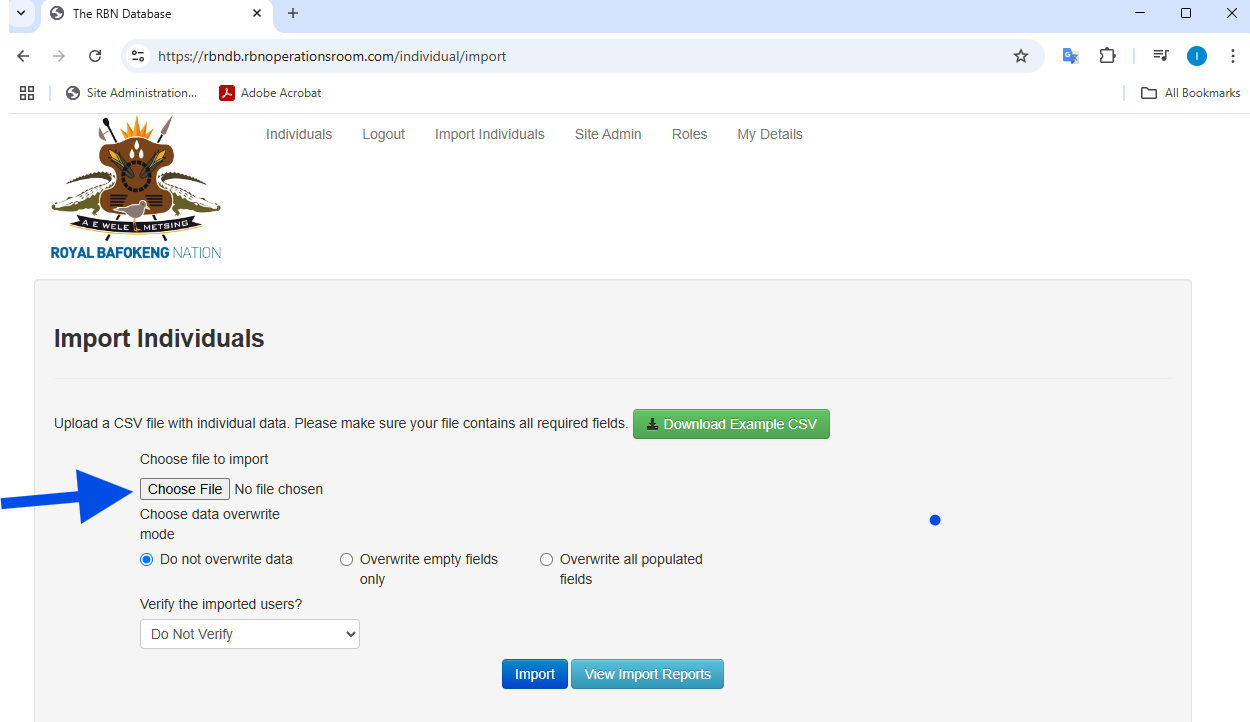
Ensure your Import fields consist of at least a valid ID number, First name and Last name.
Choose your file to import
Select one of the three overwrite options:
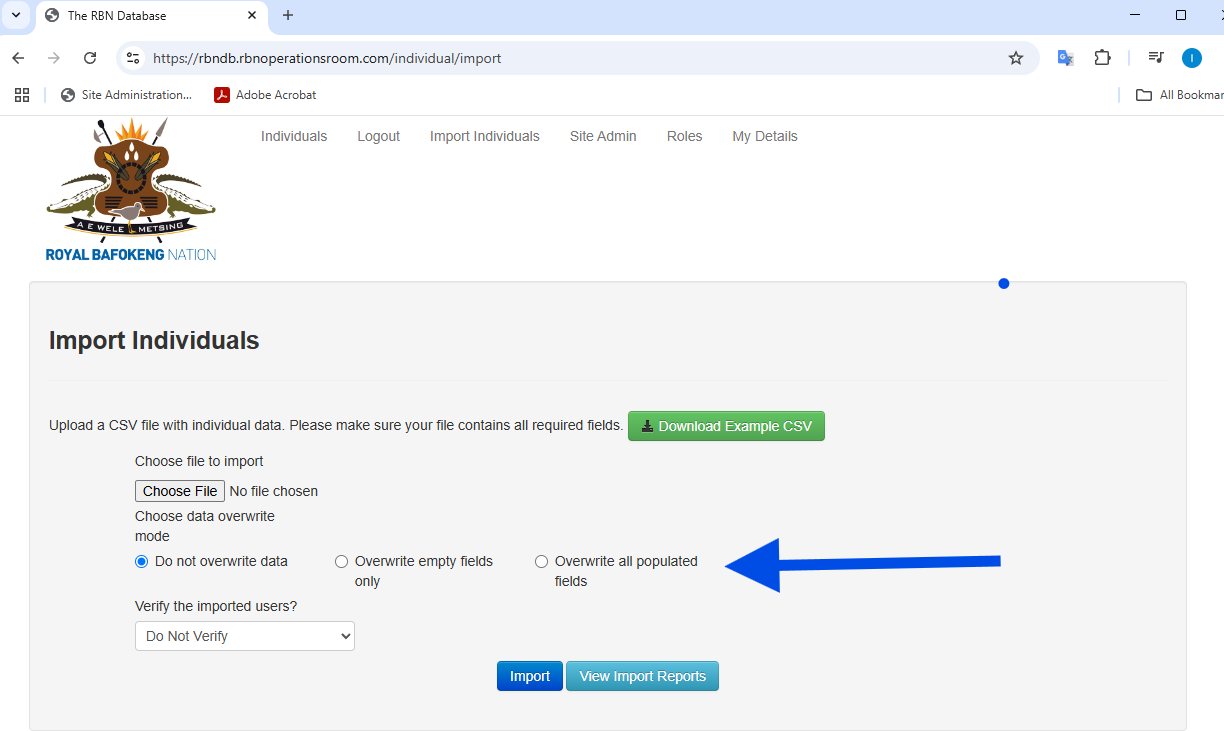
Do not overwrite: If the record exists it will not add any information, only adds new records.
Overwrite empty fields only: If the record exists and the he field is empty it will be populated.
Overwrite all populated fields: This will overwrite and add data to all fields.
Select to Verify the imported users:
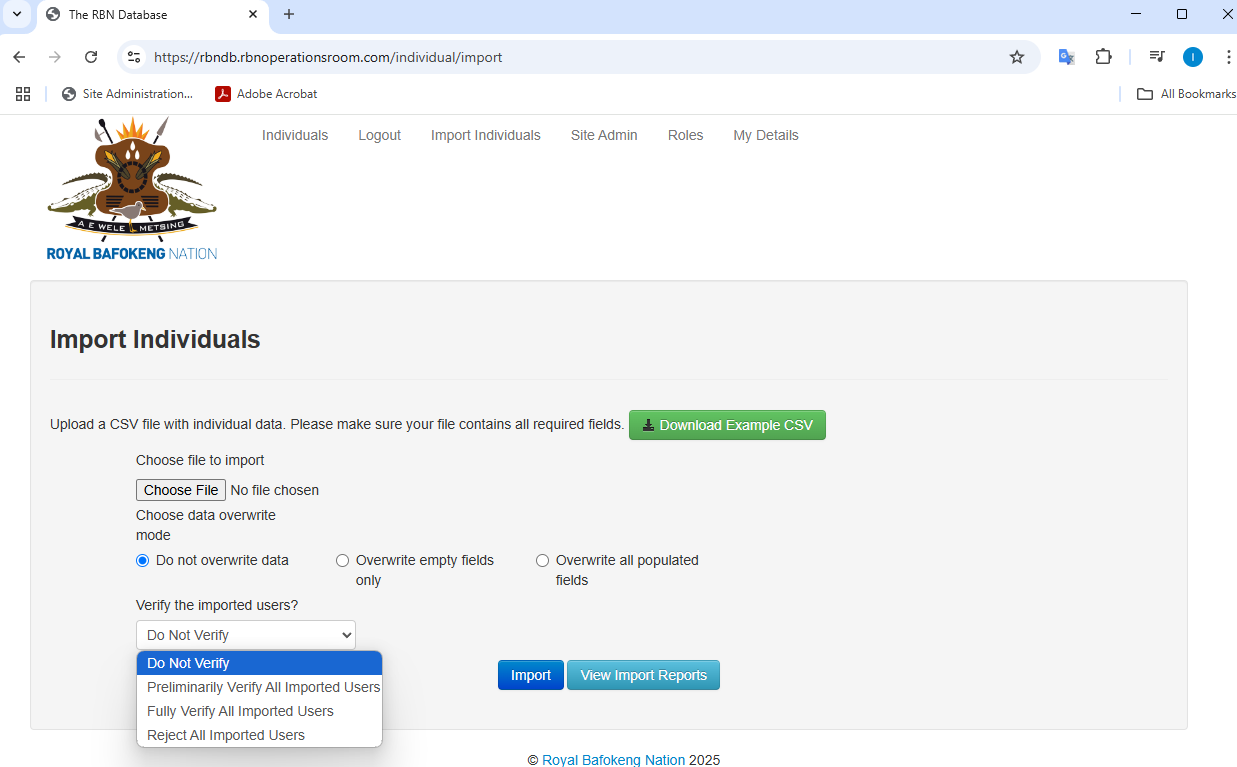
Do Not Verify: This will not verify any of the records.
Preliminarily Verify All Imported Users: All records in the import will be marked as preliminary verified.
Fully Verify All Imported Users: All records in the import will be marked as fully verified.
Reject All Imported Users: This will mark all the record in the import a rejected.
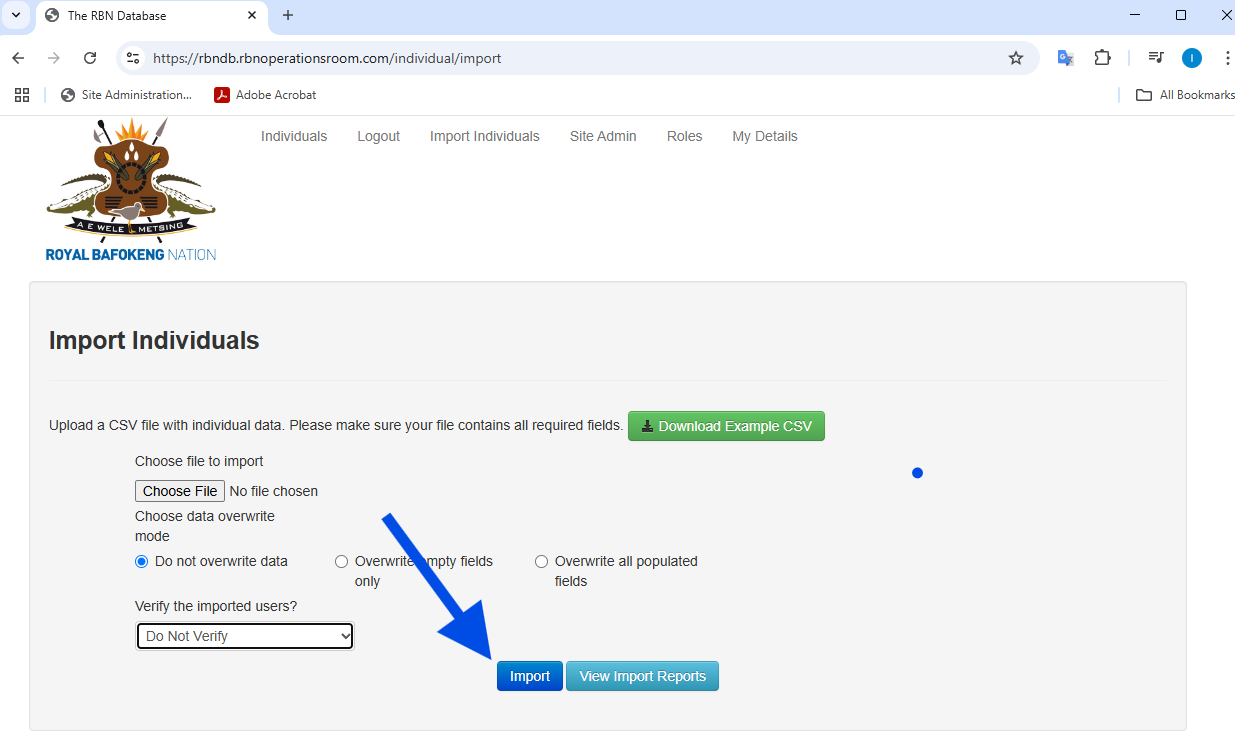
Once happy with the options click on Import:
No Comments