
Viewing Imports
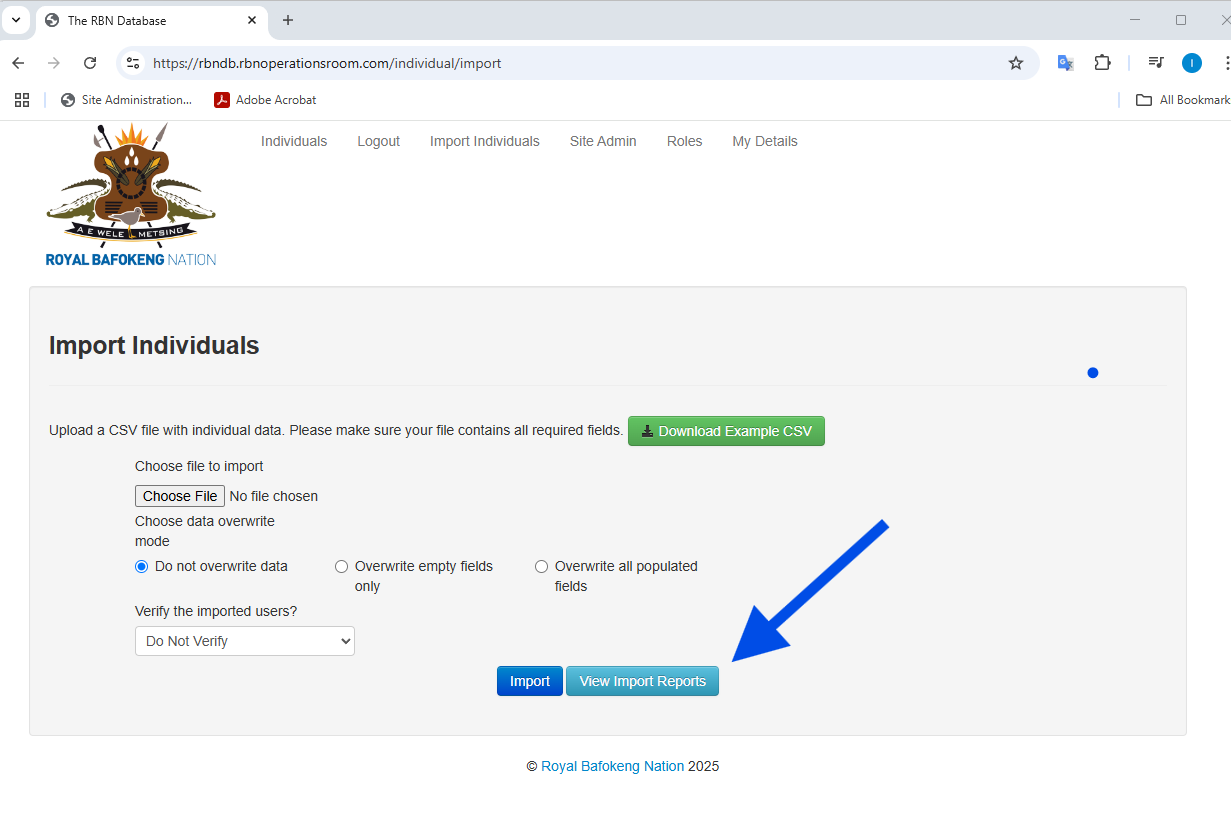
You will see the list of previously imported files:
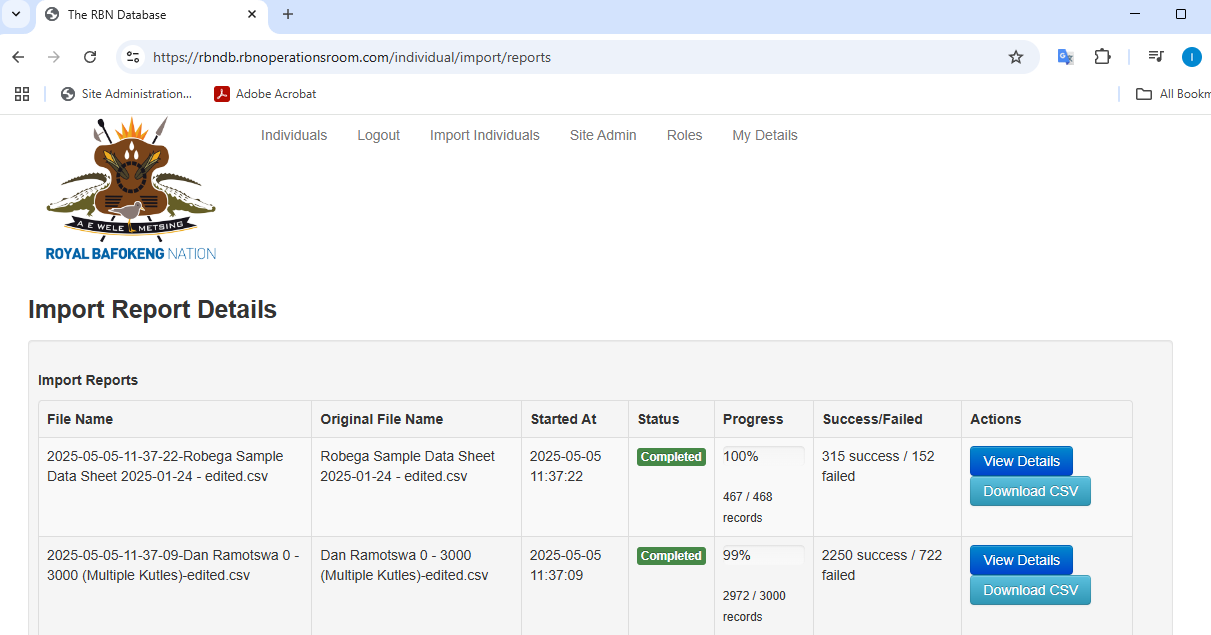
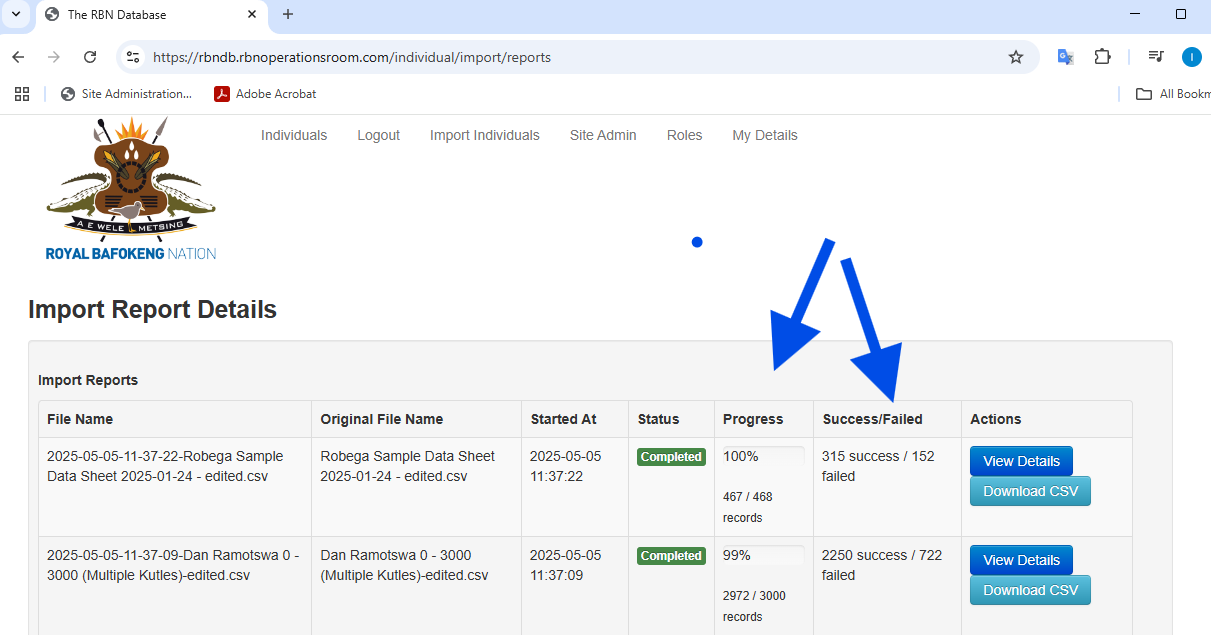
The progress is displayed in the progress column and gives an indication of the success and failure rate.
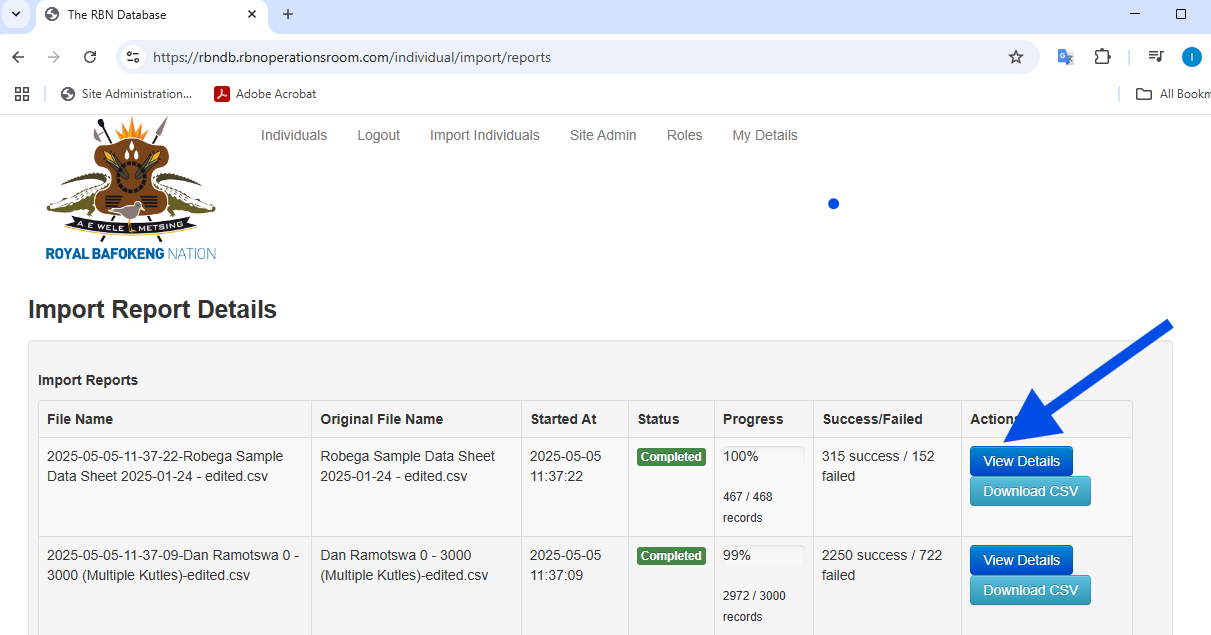
You can view the details of each record whether it was successful or failed by clicking on the View Details button
No Comments