DEATH REGISTER REPORTS
Create Death Register Reports
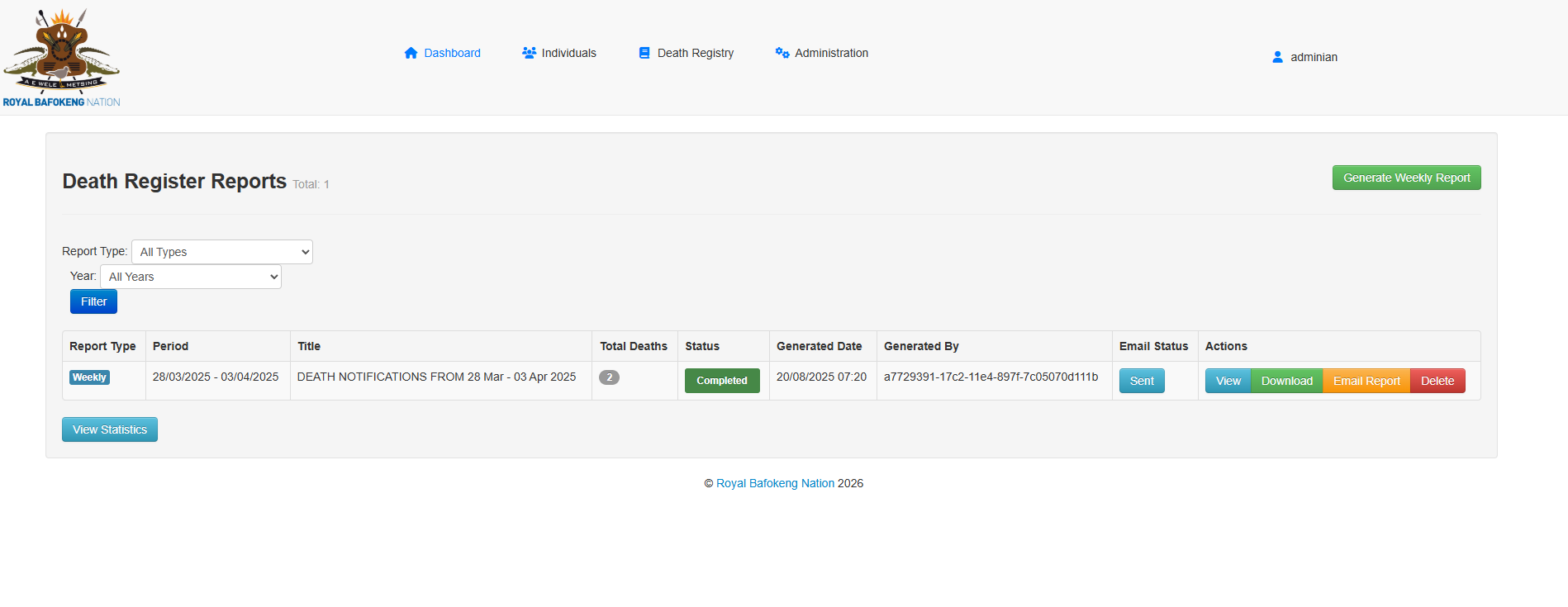
Navigate to Death Register Reports
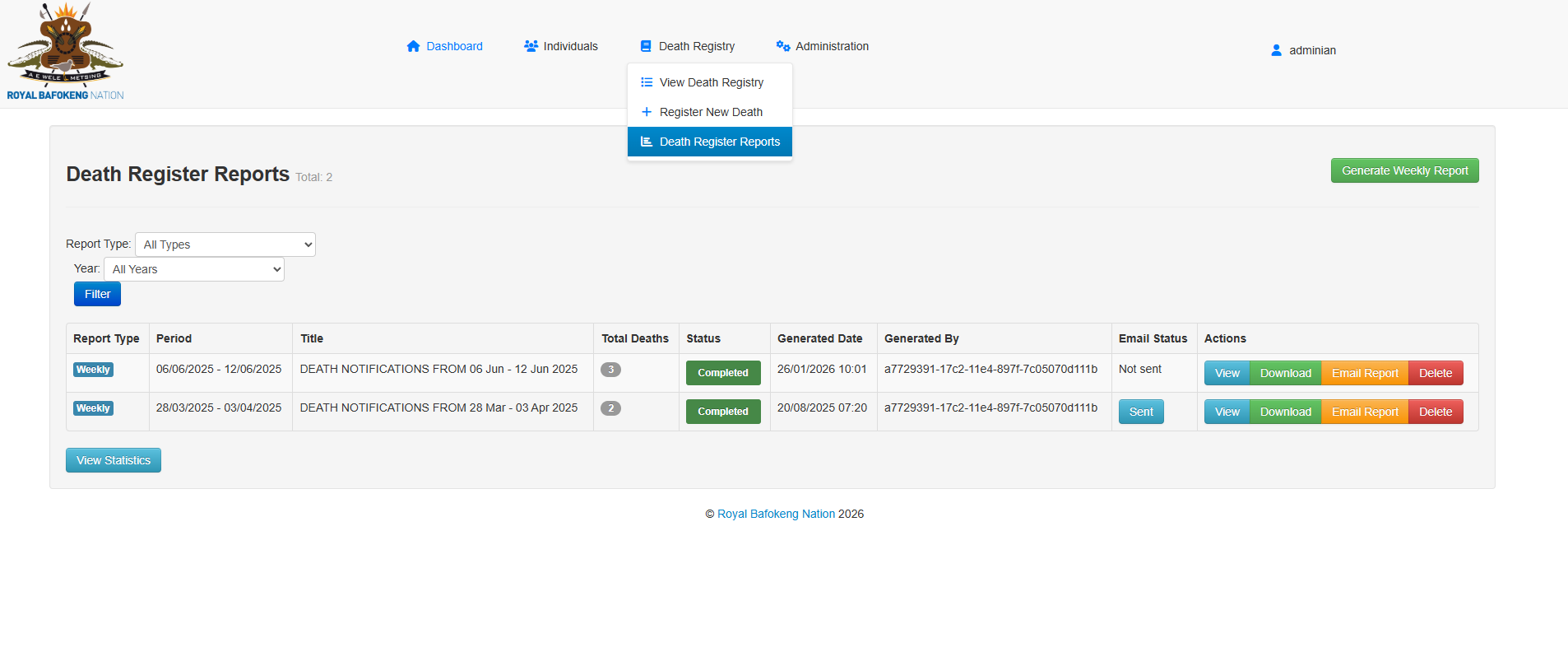
Hover over the Death Register in the top menu and select Death Register Reports

Generate the Weekly report
Click on the Generate Weekly Report
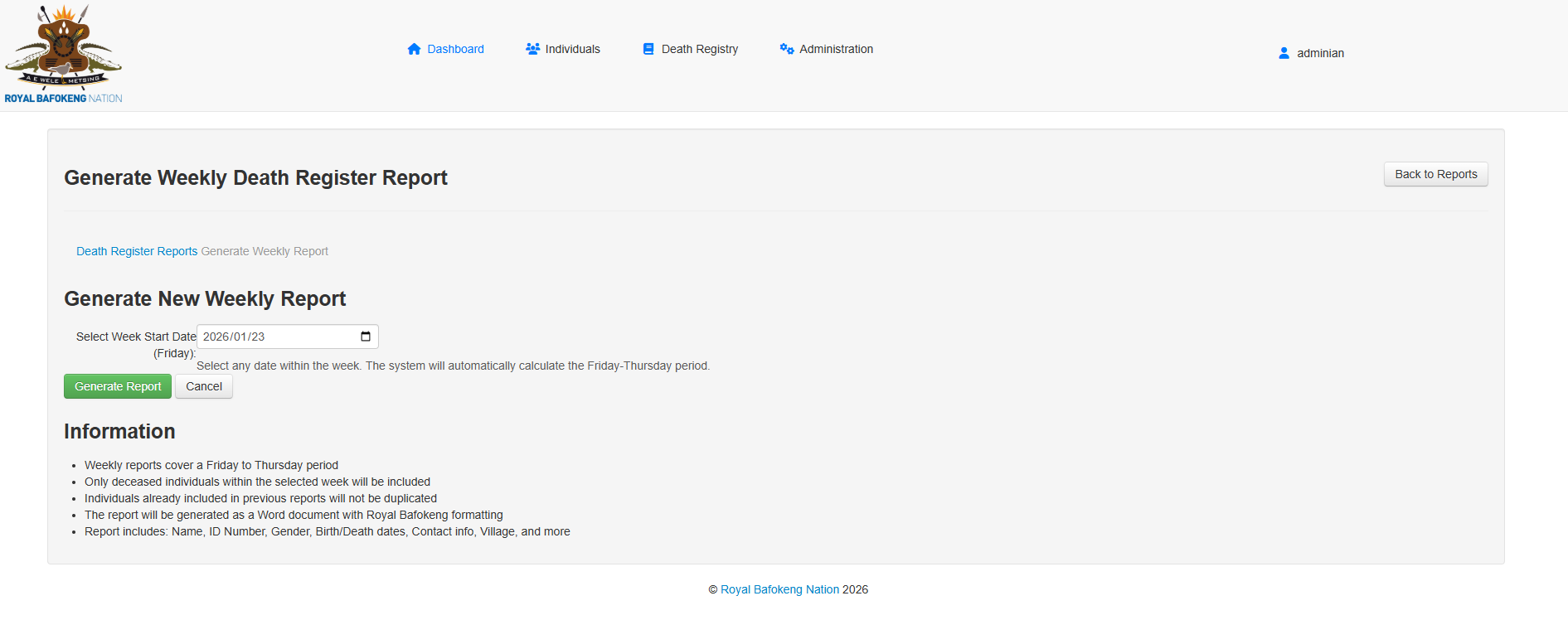
Generate Report
Select the correct week / Friday and generate the report.
The report will be created and summary will be provided of the report's details and deaths included.
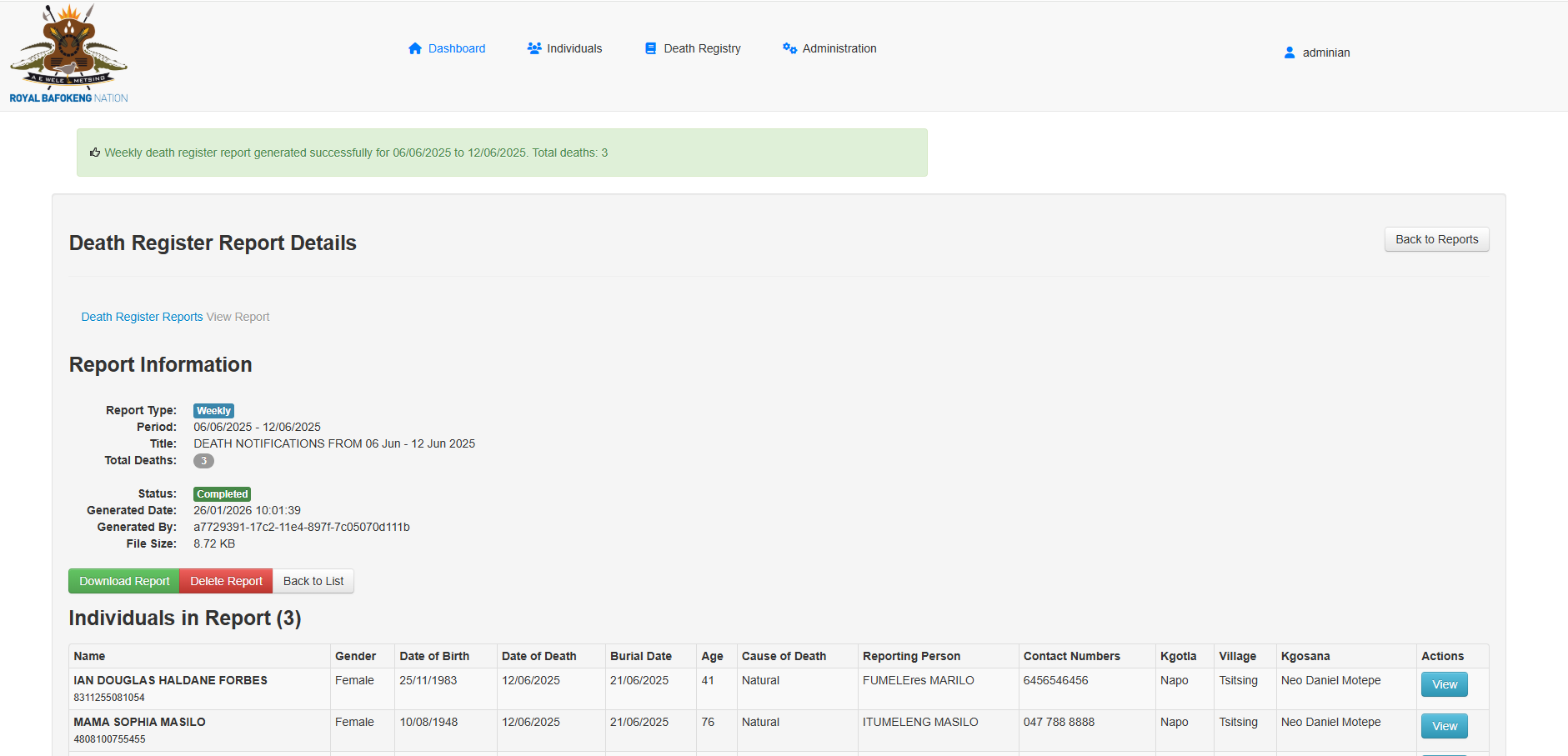
Download/Send Death Register Report
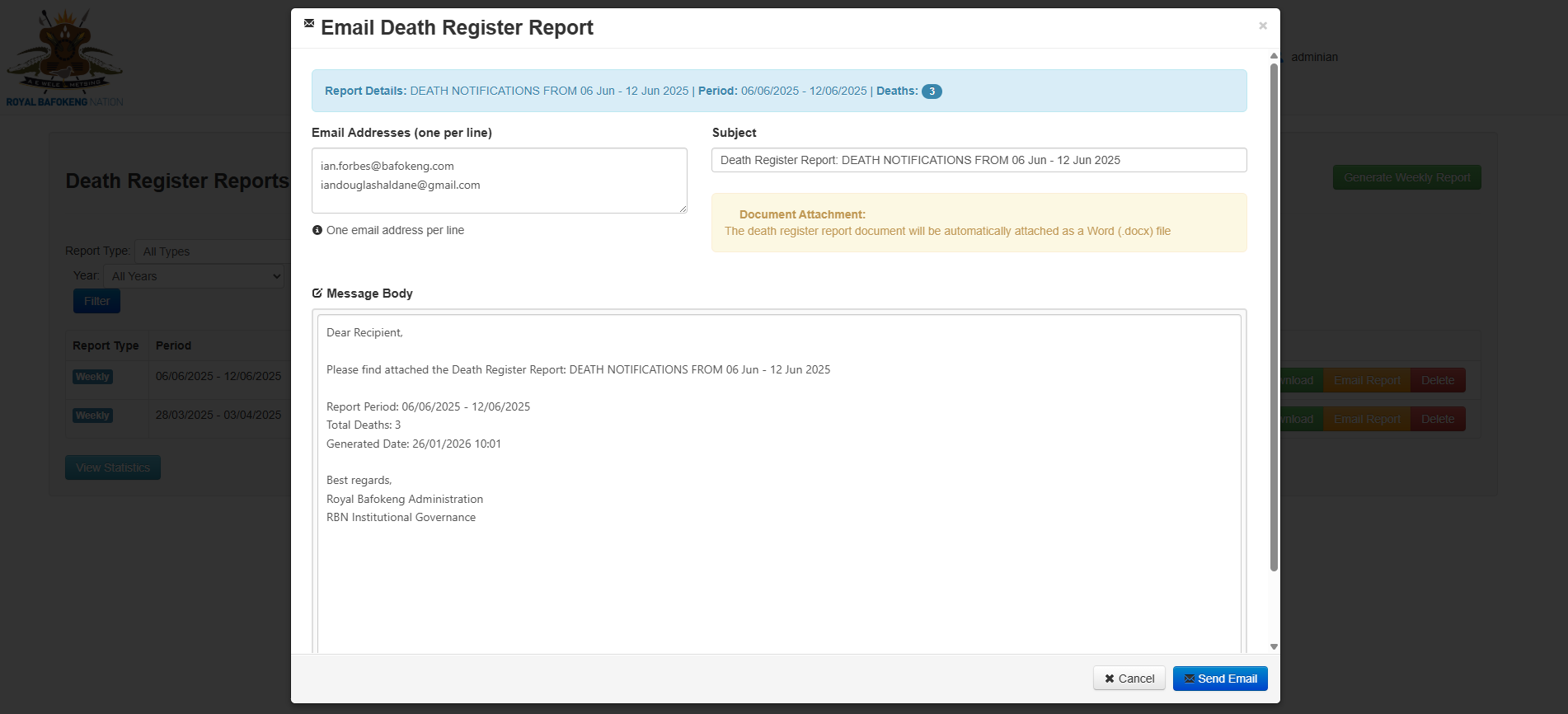
Email Report
Click on Email Report
The email form will populate the the standard recipients of the report, any of the email address can be removed or additional emails can be added.